Exploring NCurses
What’s NCurses?
NCurses is a neat TUI (Text User Interface) library for C / C++. It was developed in 1993 because there was a need for formatting command line tools, but different terminals had different standards for colors, formatting, etc. So, NCurses is essentially an abstraction that allows developers to write code that will work on most terminals without having to get into the gritty details.
What did I do, and why?
I have been wanting to brush up on other skills and just explore a little more, and I know that C++ is in high demand. Not only is it worth knowing for employment opportunities, but also personally I am interested in not being so tied down to Unity. So in an effort to have some fun and dip my toes back C++, I decided to make a little command line game.
I recently had a chat with a more experienced coworker who recommended I look into a program called lazygit. I’ve been using the git command line for a long time and perfer it over GUI alternatives, and he said lazygit was a good tool for people like me. This must have been in my mind when I thought over this game, because I ended up looking for TUI libraries I could make my game in. And so I ran into ncurses, and decided to try it out.
How the project went
First I’d like to note that this documentation on ncurses helped qutie a bit.
My intial plan was to make a game where you could go up, down, left, right. There would be enemies that you would have to fight with a simple command line menu, and you’d be able to get loot after you destroy them. I set aside a week for this task. Sounds easy enough!
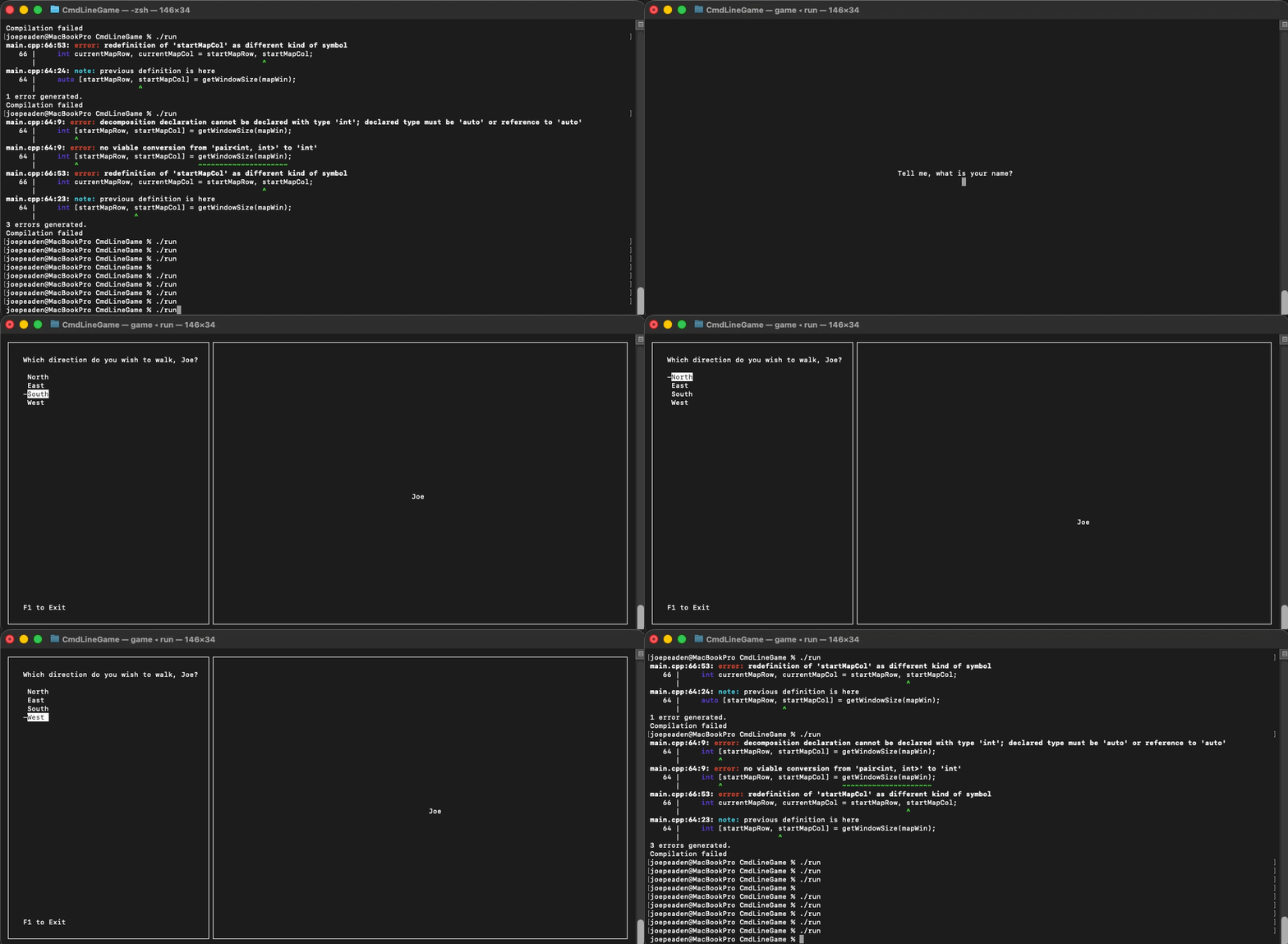
Well, it would have been had I not decided to learn something completely new like ncurses! C’mon Joe. I ended up cutting everythign except asking for the player’s name and having them move around the map :). Anyway, learning this tool was a blast. It really made me appreciate how spoiled I have been with modern UI tools. Simple things like spacing and margins take a good bit more thinking when you’re doing it with lower-level tools. However once I understood the flow of things - printing to windows, refreshing, etc - it wasn’t too bad.
In regards to meeting my needs to learn C++ - well, I would say this taught me more C than C++. And there are some important differences there. I had previously thought that anything legal in C was legal in C++ - not so. There are some cases for example regarding cstring / string conversion that threw me for a bit of a loop. I also got back up to speed with pointers and addresses, and memory management.
I think this project was just the right thing for me to step back into C++ because it was quite small. It allowed me to focus on fundementals that I’ll need to do cooler stuff!
Lessons learned
- Plan at a higher level when there’s more unknowns. Well, this one’s pretty clear. Estimations are one of my weakpoints. I set aside a week for this project and laid out a bunch of features - and cut more than half of them. No surprise given this was first of all, only a week at like an hour or two a day, and second of all, I learned a completely new tool!
- Not everything in C is valid in C++. For example, string manipulation has some unique cases that don’t carry over.
Time for links!
Check out my github page for the project: SimpleNCursesProject